
5–6 November 2026
Fit more on your shop page.
Give it away for a sign-up.
A week after the shop opened, the first changes. A long list of products fits on a phone screen, and a free birth-affirmation deck can grow your mailing list.
Marketplace
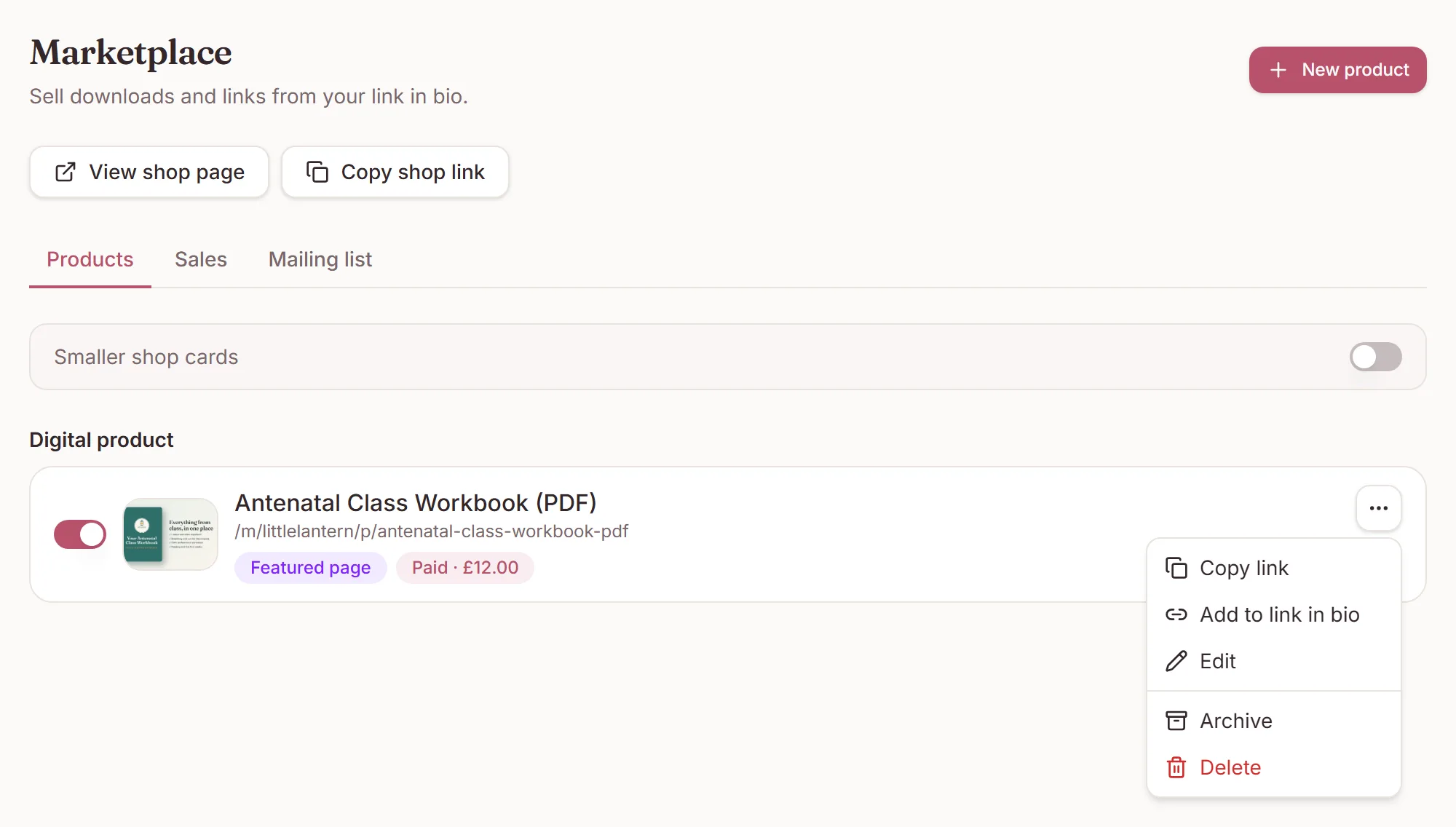
Smaller shop cards
Turn on Smaller shop cards on Marketplace, or on the Shop row in Public pages. Your public shop then shows one column of cards with a square image and no description.
The centre of each cover is what shows on a small card, and the cover guide marks it. Marketplace also has View shop page and Copy shop link.
Marketplace
Require the mailing list on a free download
- Open a free product on Marketplace.
- Under Mailing list, turn on Require it to get this free product.
- Save.
The buyer's tick box then says they are joining your mailing list to get it free, and the Get it free button stays greyed out until it is ticked.
This only works on free products. Under UK and EU privacy rules, marketing consent that is a condition of a paid purchase is not freely given. Setting a price turns it off when you save.
Checkout
The 14-day waiver
Paid checkout only asks buyers to give up their 14-day right to cancel when your workspace is in the UK or the European Economic Area. Buyers from practices in the US, Canada, Australia and New Zealand no longer see it. If your workspace has no country set, the box still shows.
Marketplace
Manage a product from its menu
Each product in the list has a menu: Copy link, Add to link in bio, Edit, Archive or Restore, and Delete.
- A paid product points you to Collect payments if card payments are not on yet.
- Setting up a product's follow-up email saves the product first, and brings you back to it when you save or cancel the rule.
- The editor warns you before you leave with unsaved text.
- Buyers can download a file from their purchase email without signing in to DoulaOne.
Need a hand?
Stuck on this update?
Write to us.
Tell us which note you were following, and the workspace email you sign in with. We aim to reply within one to two business days.