
13–14 November 2026
Send the invoice in a message.
Attach the paperwork to the email.
Some families live in WhatsApp. Some pay by bank transfer. Some need the birth plan or a letter alongside the bill. One link now works for all of them, and the email can carry the files.
Invoices
Copy the client link
- Open the invoice from Invoices.
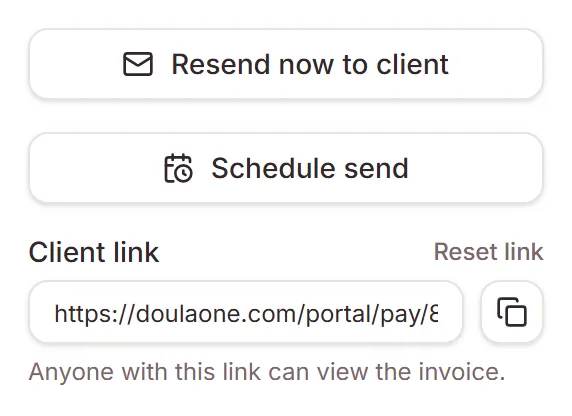
- Click Copy client link, under the send buttons. Paste it into a message.
A draft asks to be marked as sent first, because the client can see it once they have the link. After that, the Client link box shows the link. Anyone with it can view the invoice. Reset link makes a new one, and the old link stops working, including in invoices you've already emailed.
You don't need card payments for this. Every invoice you send now carries the link too: a View invoice button in the email, and a line in the PDF.
Client page
What the client sees
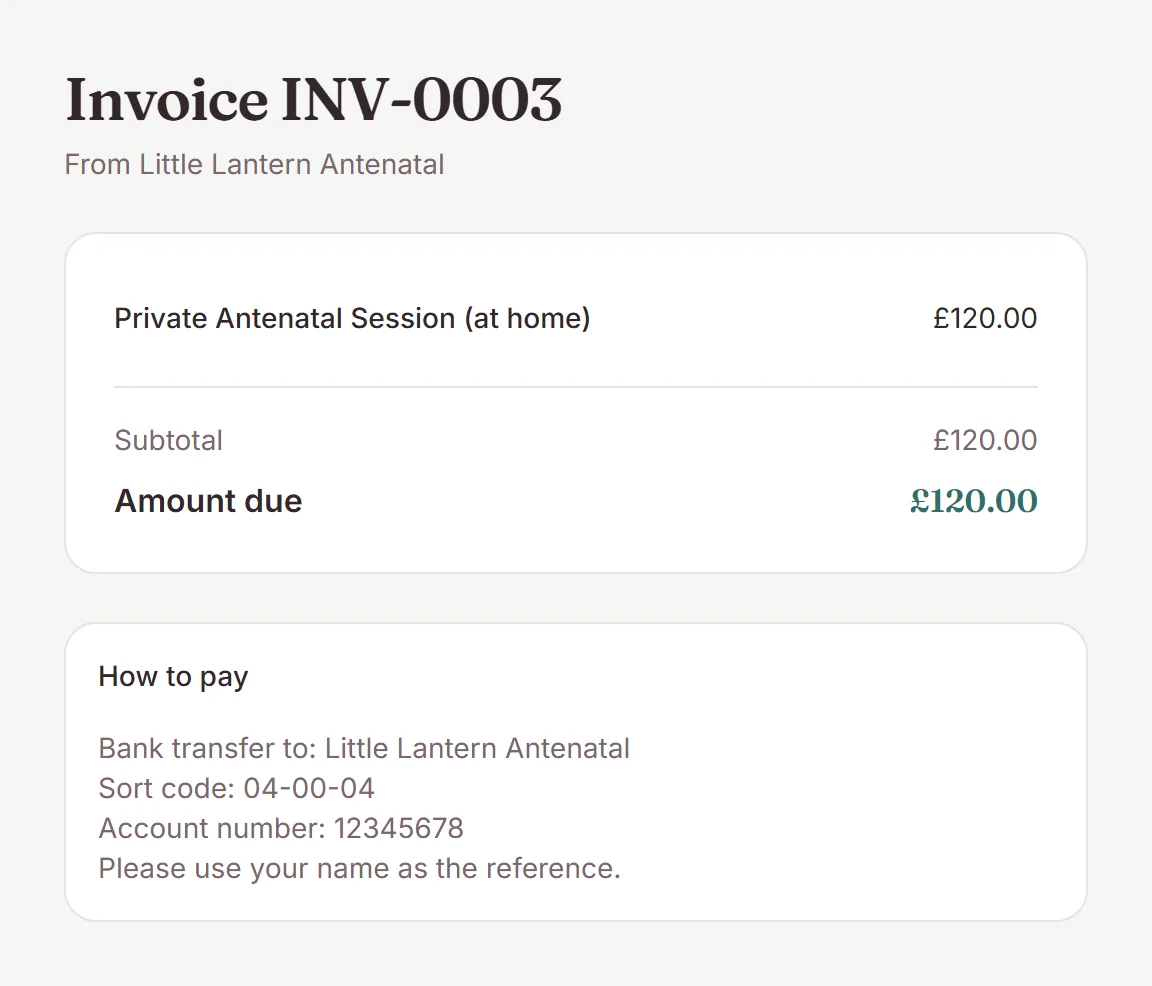
The invoice, your notes, and How to pay: your payment link, Interac e-Transfer or payment instructions. The card Pay button only appears when card payments are on. In WhatsApp or iMessage the preview shows the invoice number with your practice name and logo, and no amounts.
- A cancelled invoice says nothing is due.
- An invoice moved back to draft says it isn't ready yet, with no amounts.
- After a card payment, the button is replaced by a thank-you while the payment is confirmed, so nobody pays twice.
- In the US and Canada, a paid invoice has Email me my receipt. It goes to the client's email on file, never to whoever has the link.
Invoices
Attach documents to the invoice email
- On the invoice, click Send now to client or Schedule send.
- Under Attach documents (optional), tick files from that client's Documents tab.
- Send or schedule. The email lists each file after the invoice PDF.
Up to 10 files and 15 MB together, the same as the Documents tab. Some file types, such as HEIC photos and ZIP files, can't be emailed and show greyed out. If a document is deleted before a scheduled send, the invoice still goes without it.
Team
What backup doulas see
Invoice, refund, payment-reminder, contract and shop-order emails no longer show in a shared client's Email tab, and only the owner can delete from a client's email history. Package proposal emails still show, because backups can already see the proposals.
Need a hand?
Stuck on this update?
Write to us.
Tell us which note you were following, and the workspace email you sign in with. We aim to reply within one to two business days.