
13–14 November 2026
Tap the moments as they happen.
Hand the family one PDF.
At a birth you tap the moments. Afterwards you write the summary. Now the two meet: the timeline fills the gaps in the form, and the family gets both in one document.
Birth summary
The timeline in the PDF
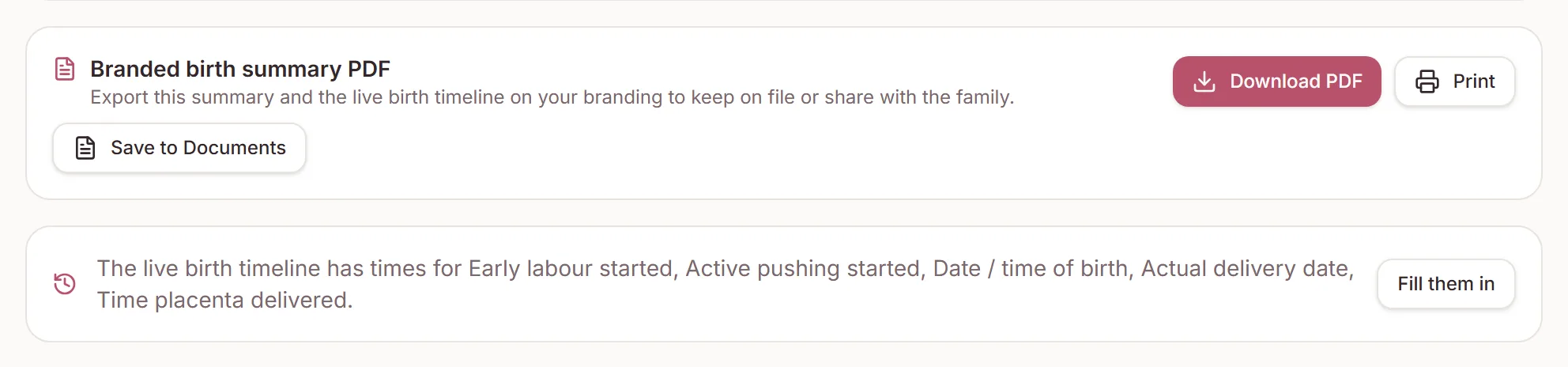
On a client's Birth summary tab, Download PDF, Print and Save to Documents now end with a Live birth timeline section. It runs earliest moment first, in your workspace time zone, with any detail beneath. A summary with only timeline moments can be exported too.
Save to Documents replaces the last birth summary PDF instead of adding another copy. Dates and times print exactly as you typed them.
Birth summary
Fill the form from the timeline
When logged moments answer empty fields in the form (labour began, pushing began, baby born, placenta delivered), a note says the timeline has times for them. Click Fill them in. It never overwrites a field you've already filled.
Birth summary
Checks on times
A time in the future, or a stage recorded before the one it follows, gets a warning under the field and a to check count on its section. Warnings never stop you saving. The urge to push is only checked against labour starting and the birth, because it often comes before full dilation.
If you know the date but not the time, enter the date on its own. It is saved and printed as a date, and the empty box says Time so it doesn't look filled in.
Live timeline
Edit a moment
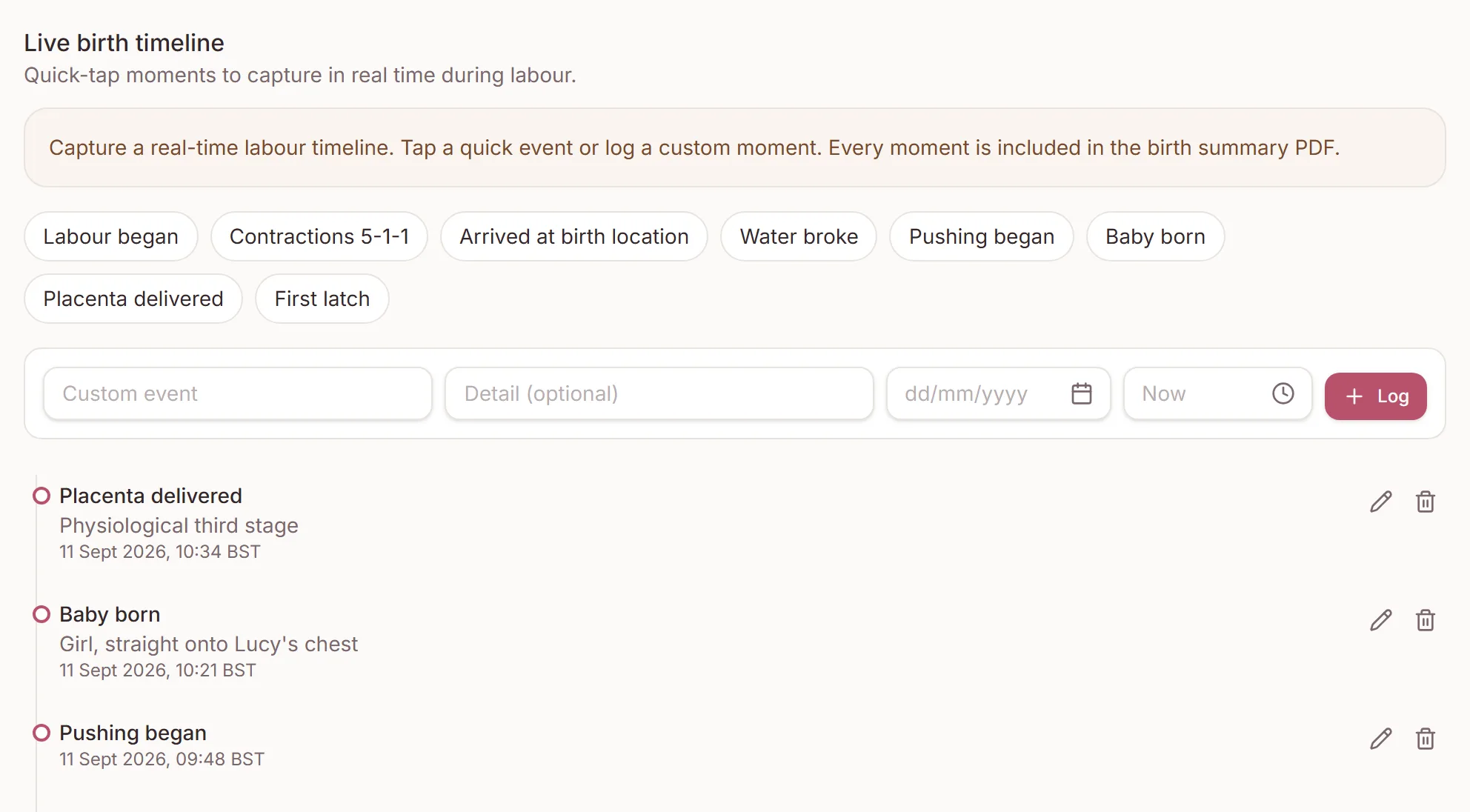
Logged moments can now be edited, and deleting one asks first. A time you type is read in your workspace's time zone, and a future time is refused with a message instead of being logged as now. The quick taps follow your workspace's spelling, so a UK practice sees “Labour began”. Backup doulas get the same changes.
Need a hand?
Stuck on this update?
Write to us.
Tell us which note you were following, and the workspace email you sign in with. We aim to reply within one to two business days.