
15 November 2026
Not sure where to start?
Watch it done in a minute.
Some steps are easier to see than to read. Each video shows one task in DoulaOne in about a minute. A voice talks you through it and captions show every step, so you can follow along with or without sound.
Dashboard and empty pages
Watch how, where you need it
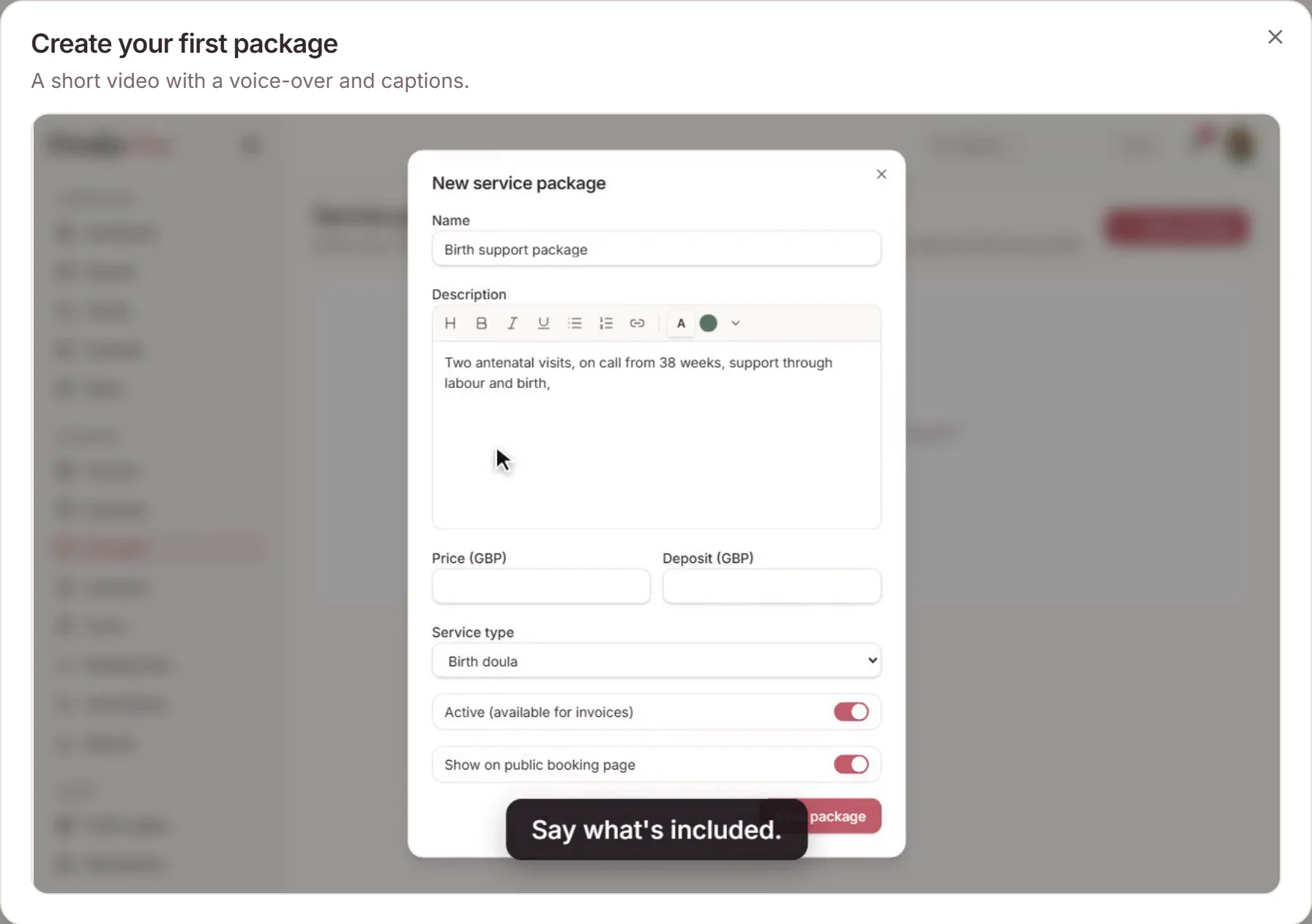
On your Dashboard, steps in Get set upthat you haven't done yet have a Watch how button. The same button appears on pages that are still empty, such as Clients, Packages, Contracts, meeting links and events.
Videos cover your logo and brand colours, your first package, client and contract, card payments, a meeting link, a class, your public page and your directory listing. They play right there, and you can pause or go full screen.
Help centre
Videos in the help centre
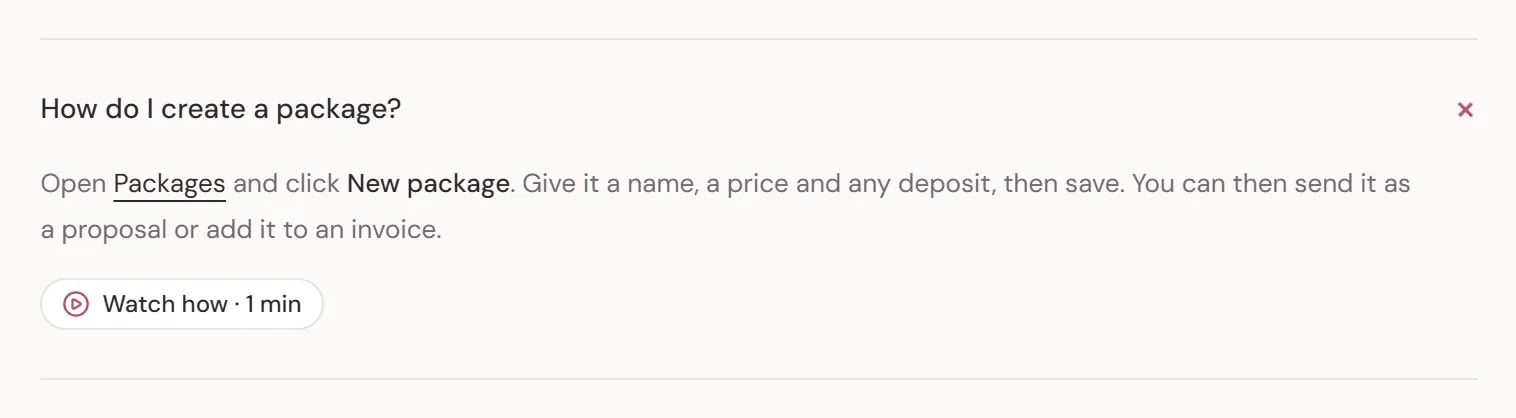
A new Setting up your practice topic in the help centre answers the first questions people ask, with a video under each answer. Answers about your public page and directory listing have one too.
Videos follow your account. If you write colour and charge in pounds, you see a practice that does too, and hear a British voice. If you write color, you see one that uses dollars, and hear an American voice.
Need a hand?
Stuck on this update?
Write to us.
Tell us which note you were following, and the workspace email you sign in with. We aim to reply within one to two business days.