
24 November 2026
Your clients see what you do.
Your profession, not “birth worker”.
A few pages families see used to call you a birth worker, whatever your work. Now they use the primary profession you chose, so a lactation consultant's clients read lactation consultant.
Contracts
Agreements and your care team
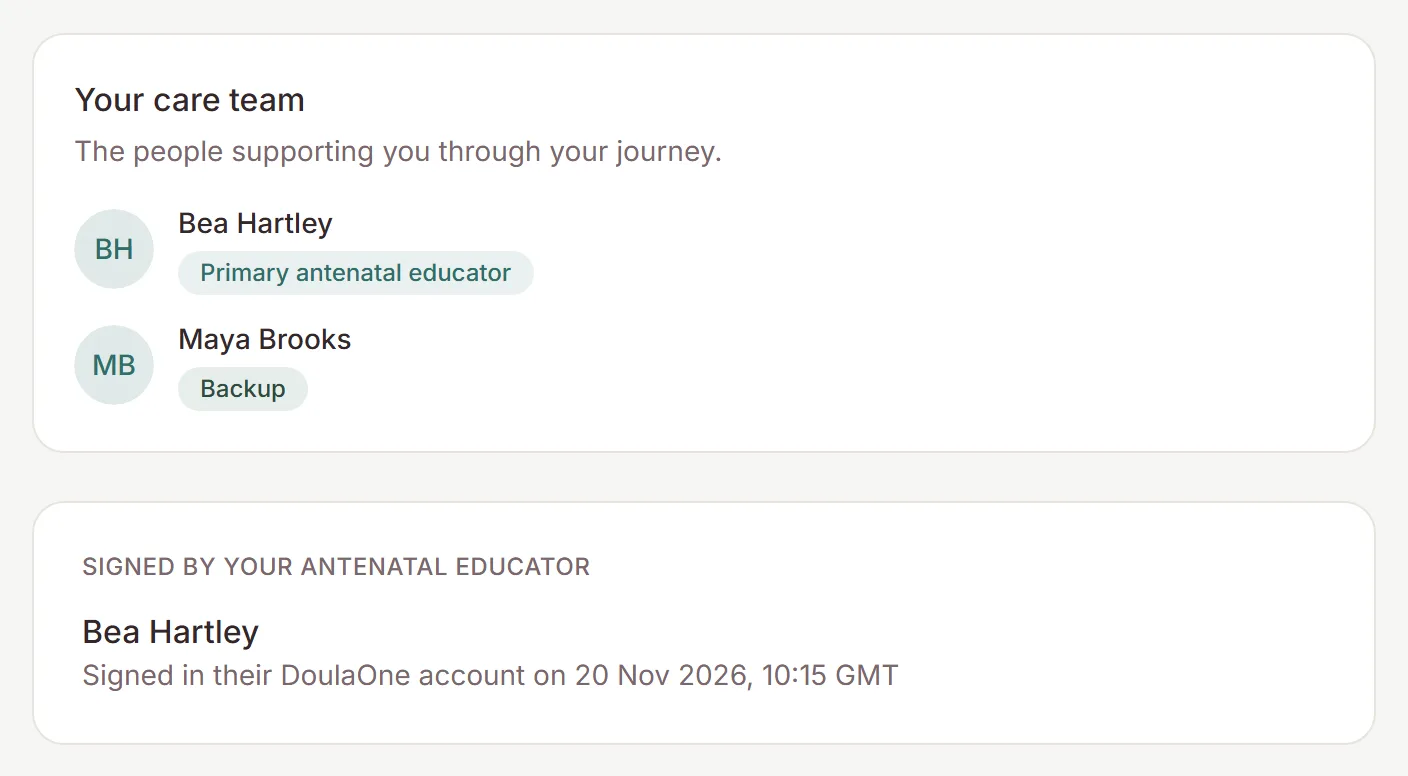
When a family opens an agreement that asks for backup consent, your care team lists you as Primary followed by your profession, such as Primary antenatal educator. Backups still show as Backup.
Once you have signed, the agreement says Signed by your and your profession, on the page and in the signed PDF, as it already did.
Events and bookings
Event sign-ups and booking links
If an event asks for a due date, the sign-up form says it helps your profession prepare, such as “helps your doula prepare for you”.
If a family tries a single-use personal booking link that has already been used, they are asked to contact their doula, or whatever your profession is, for a new one.
Forms
New forms from templates
Template questions that mentioned a birth worker now name your profession when you make a form from them. In the consult booking questionnaire, an antenatal educator sees Have you worked with an antenatal educator before?
Forms you have already made keep their wording. To change a question, open it in Forms and edit the label.
Everywhere else
Emails, AI drafts and your Find link
- An automated email with an empty subject line used to arrive as A message from your doula, whatever your work. Now it names your own profession, such as A message from your sleep consultant.
- DoulaOne AI drafts for agreements, packages, forms and client emails call you by your profession, not birth worker.
- When someone shares your Find profile, the link preview says Find a doula, or your own profession, instead of Find a birth worker.
Directory
Set your profession
- Open Directory.
- Under How families find you, choose your Primary profession, then click Save search details.
Only your primary profession is used on these pages. If you have not chosen one, clients see practitioner.
Need a hand?
Stuck on this update?
Write to us.
Tell us which note you were following, and the workspace email you sign in with. We aim to reply within one to two business days.